Language

Explore membrane keyboards for smooth, comfortable typing. Their soft key feel and generally quiet operation make them a practical choice for office work, study, and everyday use.
Discover mechanical keyboards with distinct switch options and responsive feedback. Choose a typing feel that suits your gaming sessions, creative projects, or daily productivity.
Compare keyboard layouts, sizes, and connection options to find your ideal setup. For Japanese typing, check the key layout and operating system compatibility before choosing.
A comfortable keyboard can make everyday tasks more enjoyable, from writing documents and studying to playing games. Membrane keyboards and mechanical keyboards offer different typing experiences, allowing you to choose according to your preferences, workspace, and budget.
Membrane Keyboards
Membrane keyboards typically use a flexible membrane beneath the keys, often combined with rubber domes that provide resistance and return the keys after each press. They usually offer a soft, cushioned typing feel and relatively quiet operation, making them a practical option for shared offices, home workspaces, and study areas. Actual sound and comfort vary by model and typing style.
Mechanical Keyboards
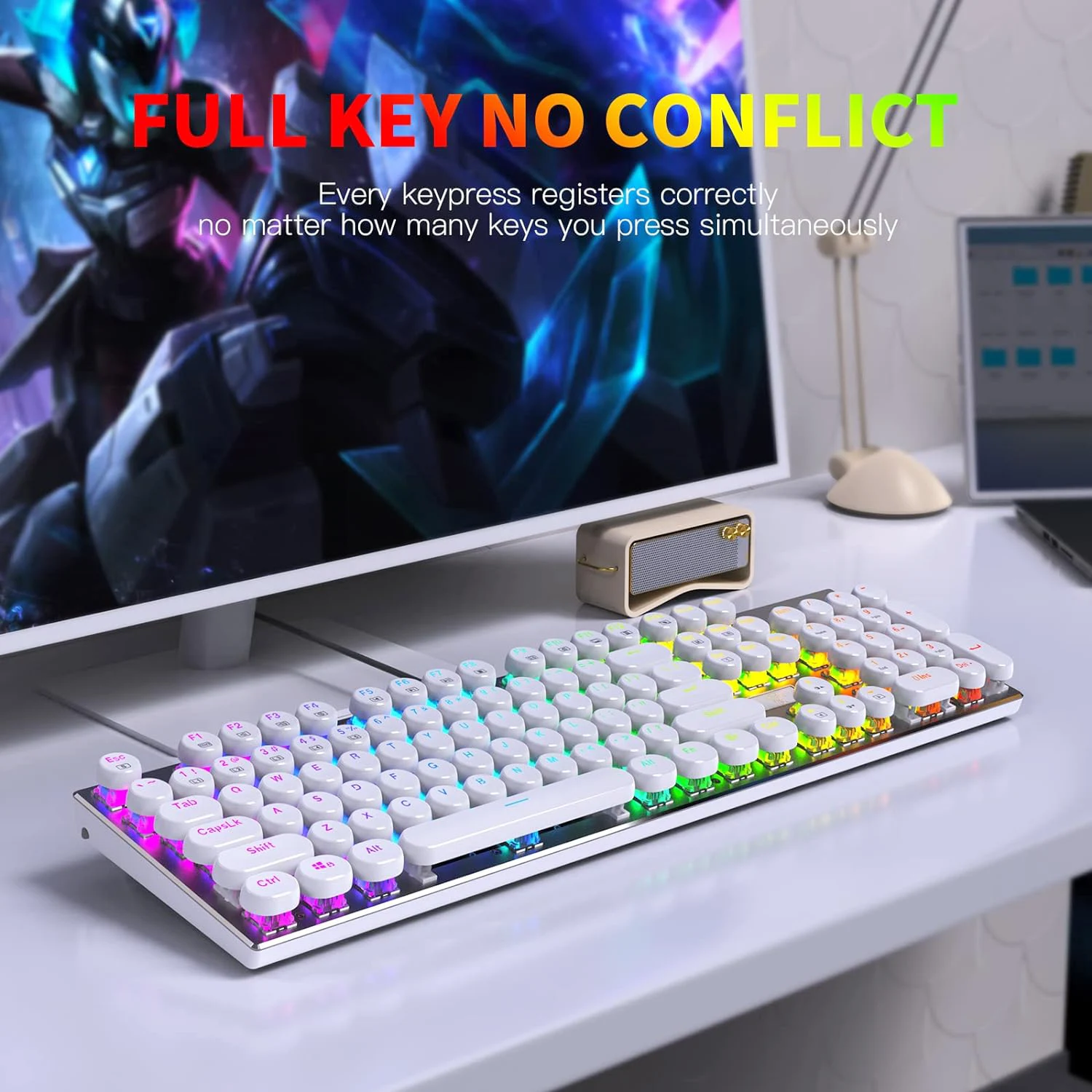
Mechanical keyboards use an individual mechanical switch beneath each key. Linear switches provide a smooth keypress without a tactile bump, tactile switches add a noticeable bump, and clicky switches combine tactile feedback with an audible click. These options let users choose a feel that suits typing, gaming, or both. Mechanical keyboards are not always loud: sound depends on the switches, keycaps, case construction, and other design choices. Features such as hot-swappable switches, programmable keys, and lighting are model-dependent.
Keyboard Layouts and Japanese Input
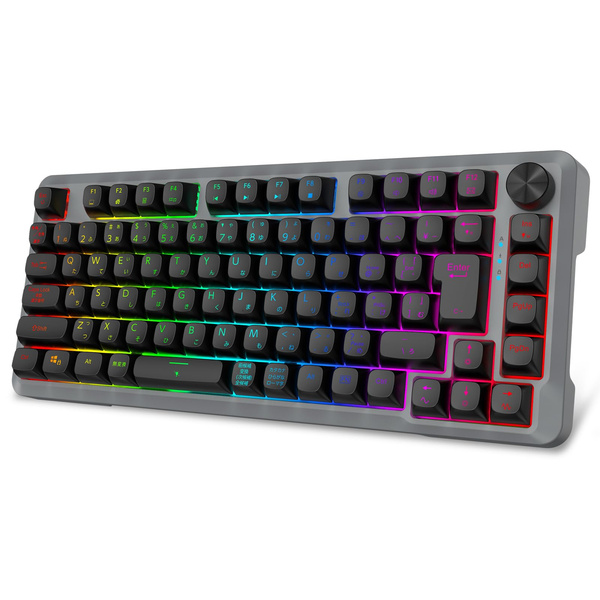
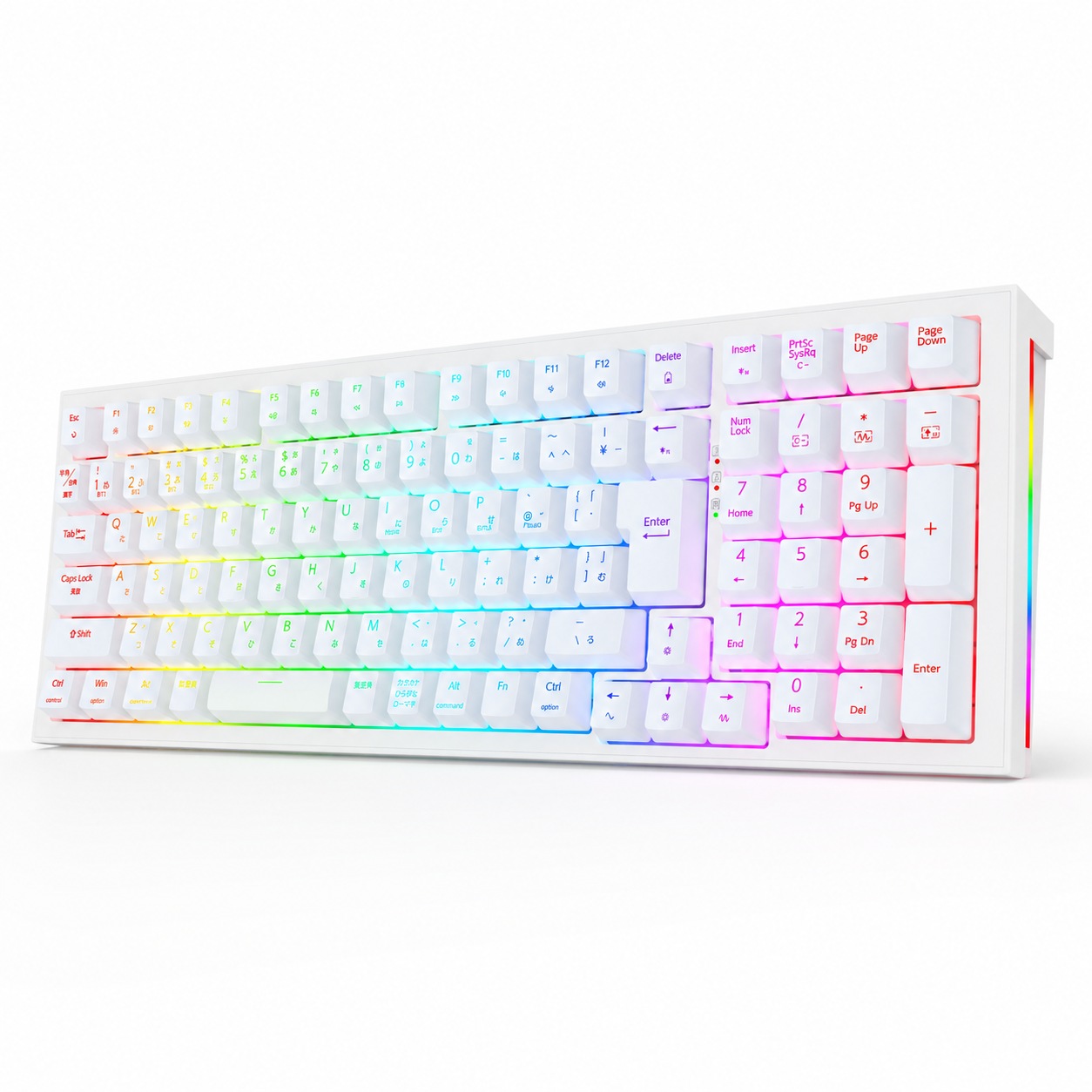
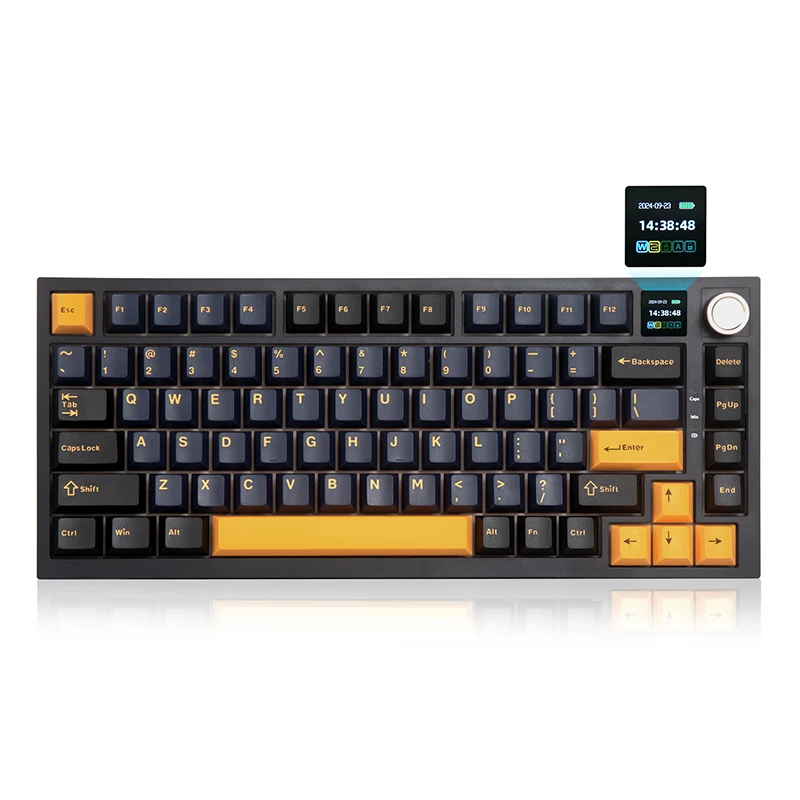
Key layout is an important consideration when choosing a keyboard for Japanese typing. Japanese JIS and US ANSI layouts differ in key arrangement, punctuation placement, and certain input-related keys. Japanese text can be entered on either layout with suitable input software, but the physical layout should match your operating system settings for predictable key behavior. Check product photos and specifications before purchasing.
Size, Connectivity, and Compatibility
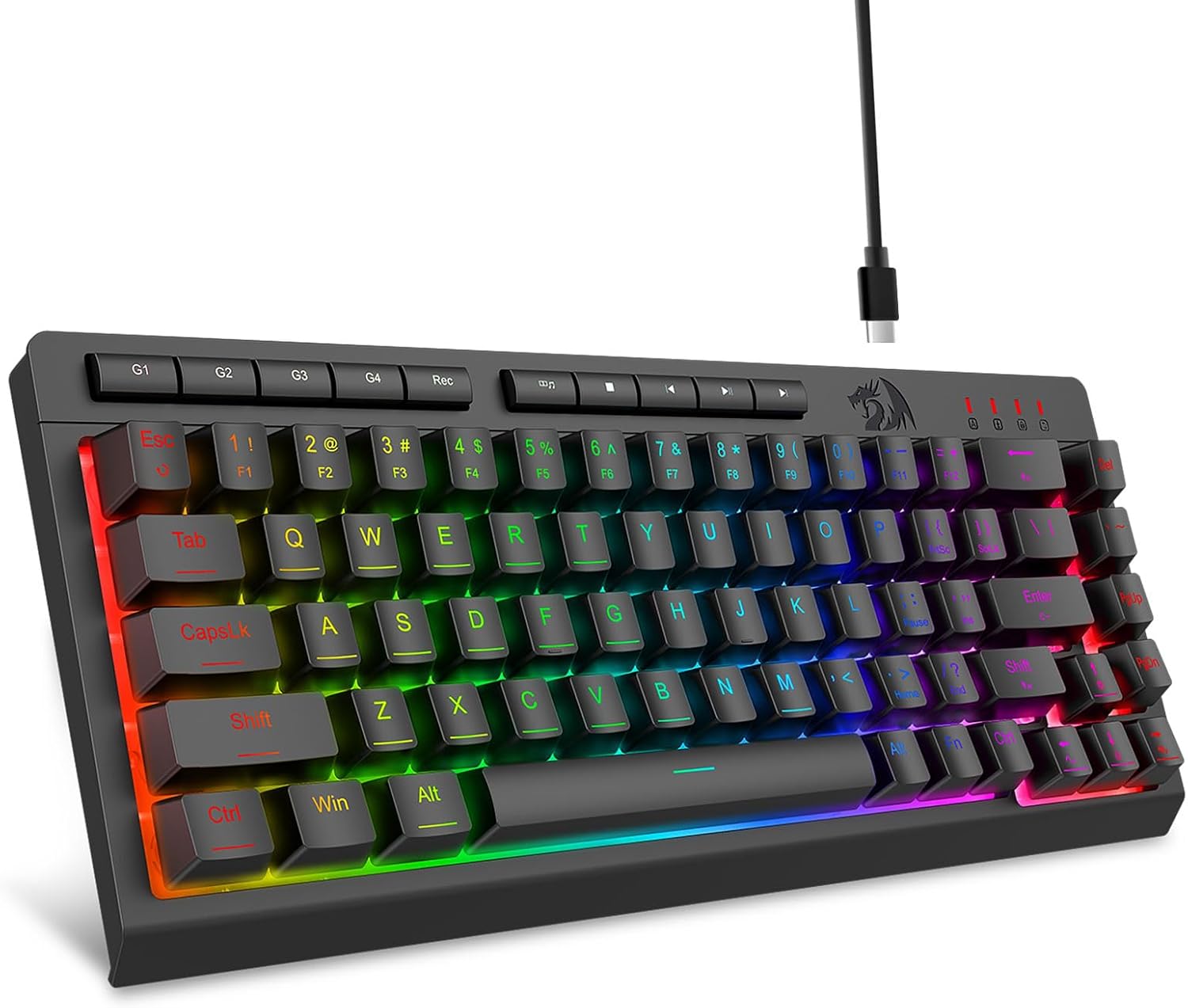
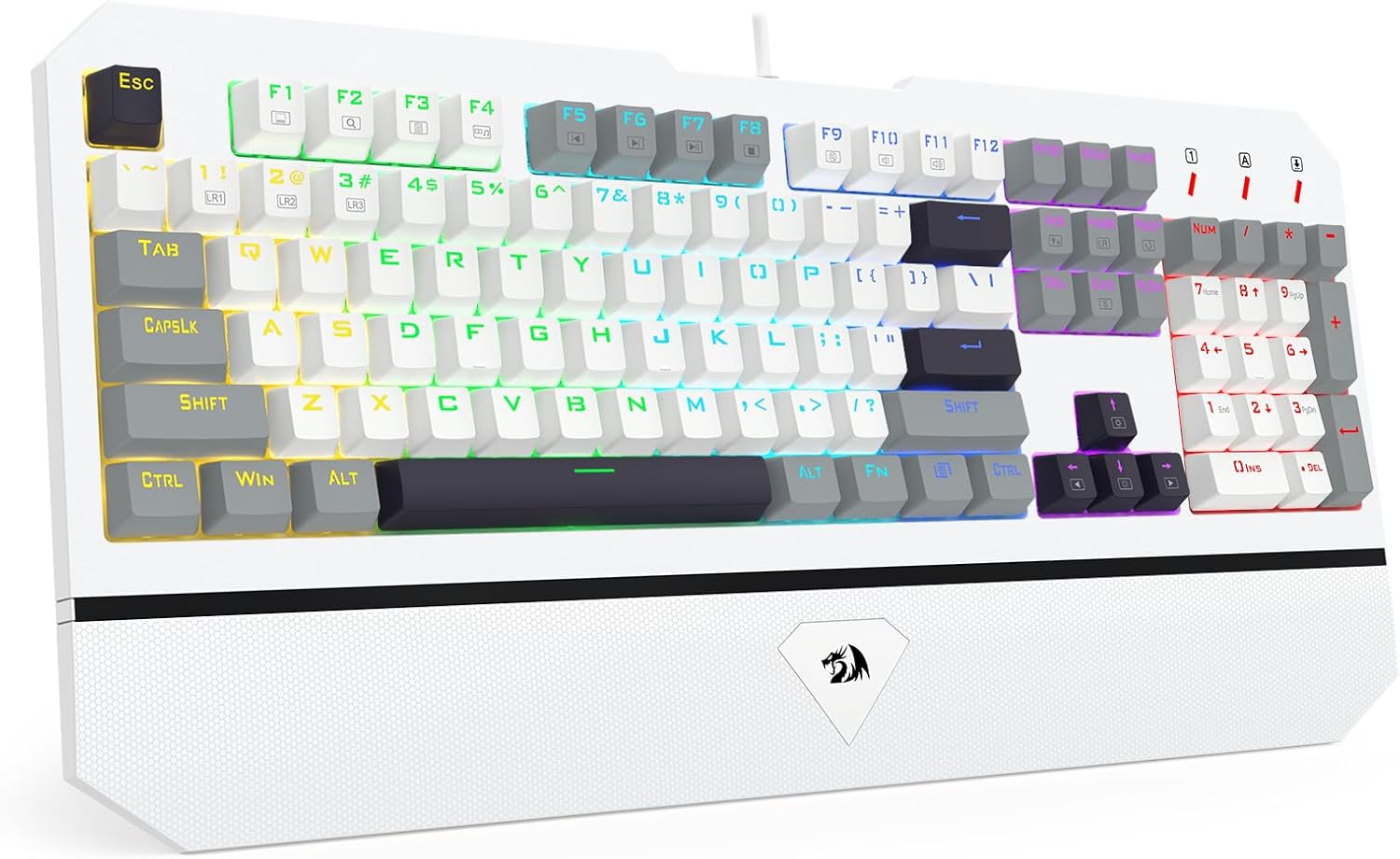
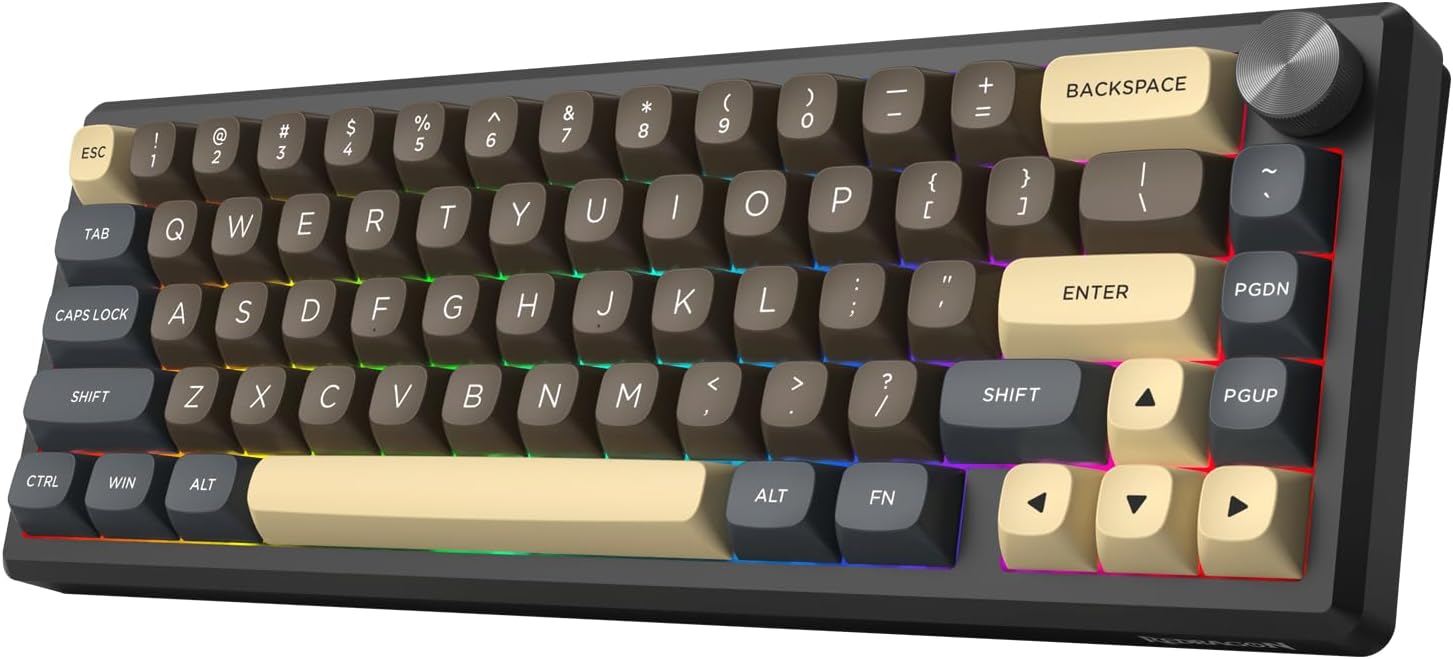
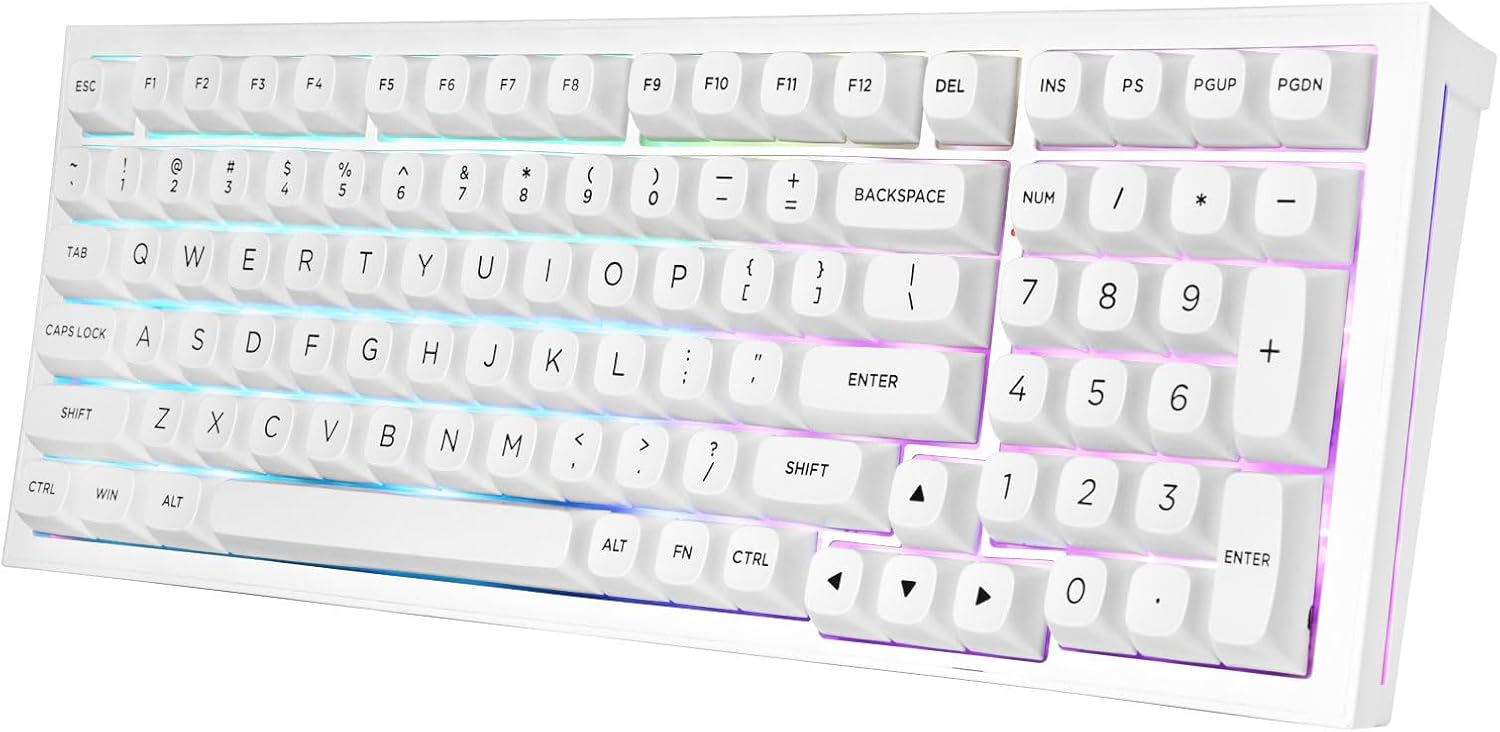
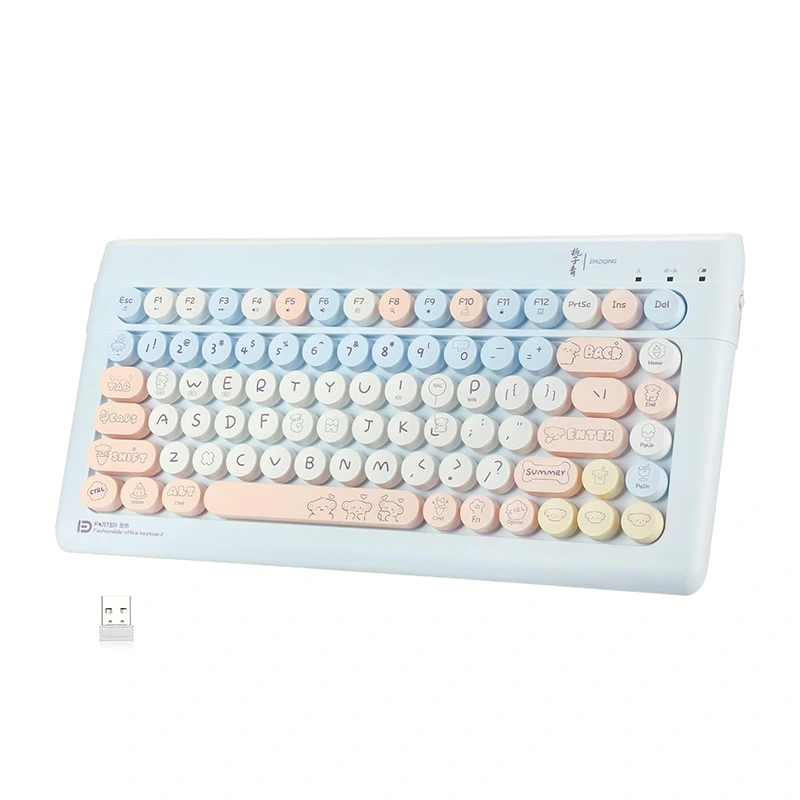
Full-size keyboards include a number pad for frequent numerical entry. Tenkeyless models remove the number pad to free up desk space, while compact keyboards reduce their footprint further and may place some functions on key combinations. Depending on the model, connections may include wired USB, Bluetooth, or a wireless USB receiver. Confirm device compatibility, connection requirements, and available functions to choose a keyboard that fits your setup.