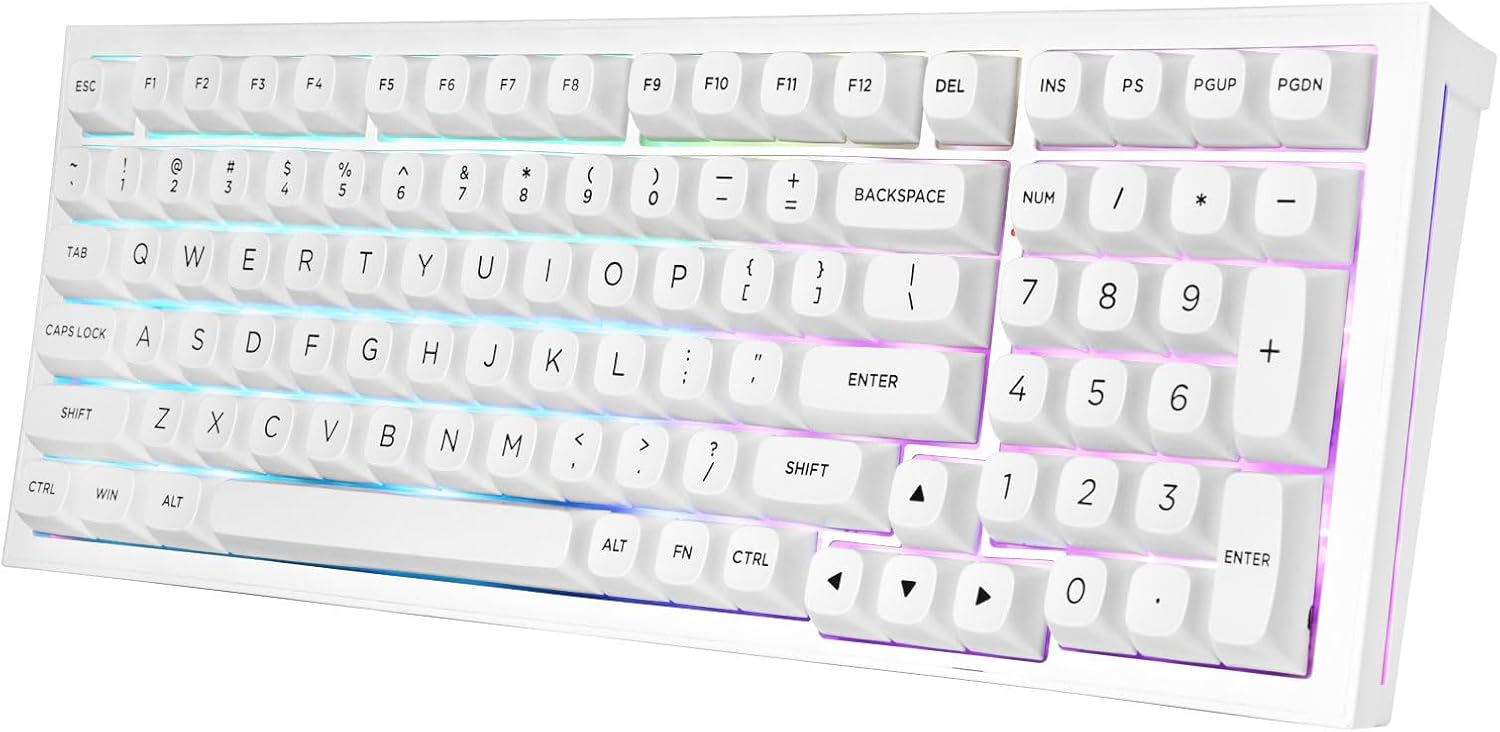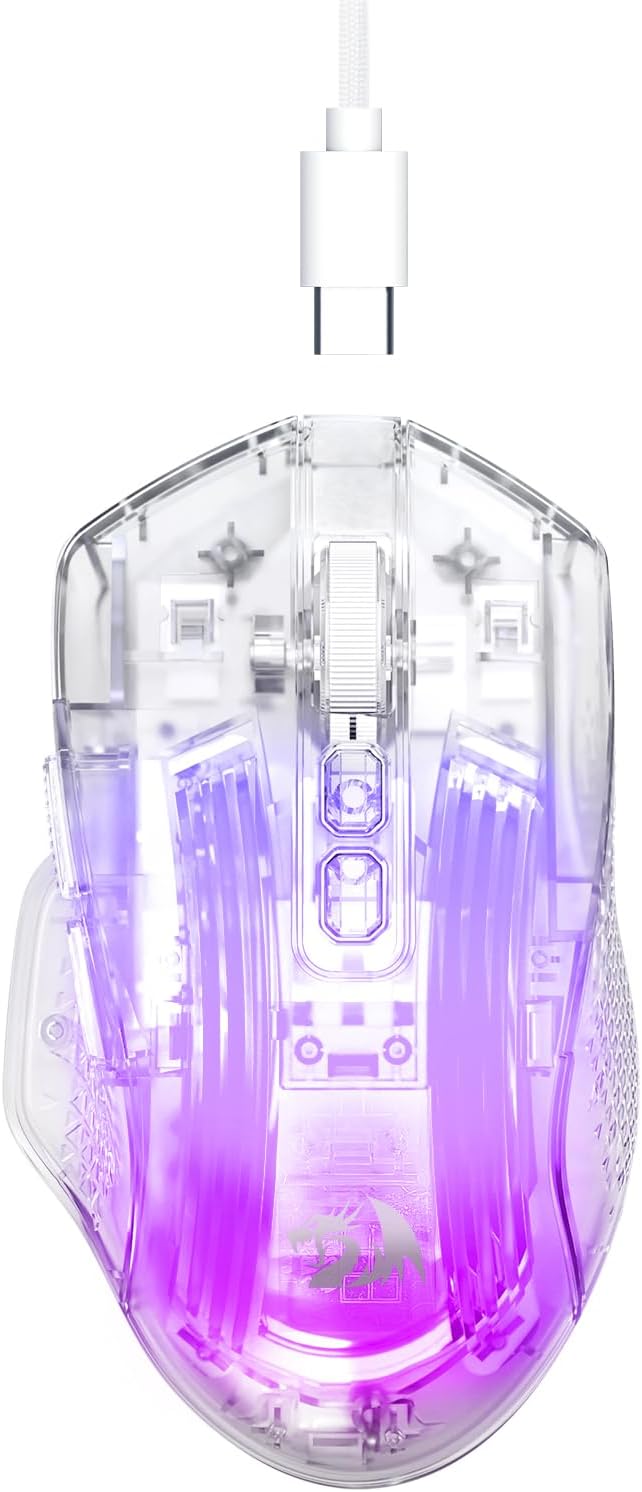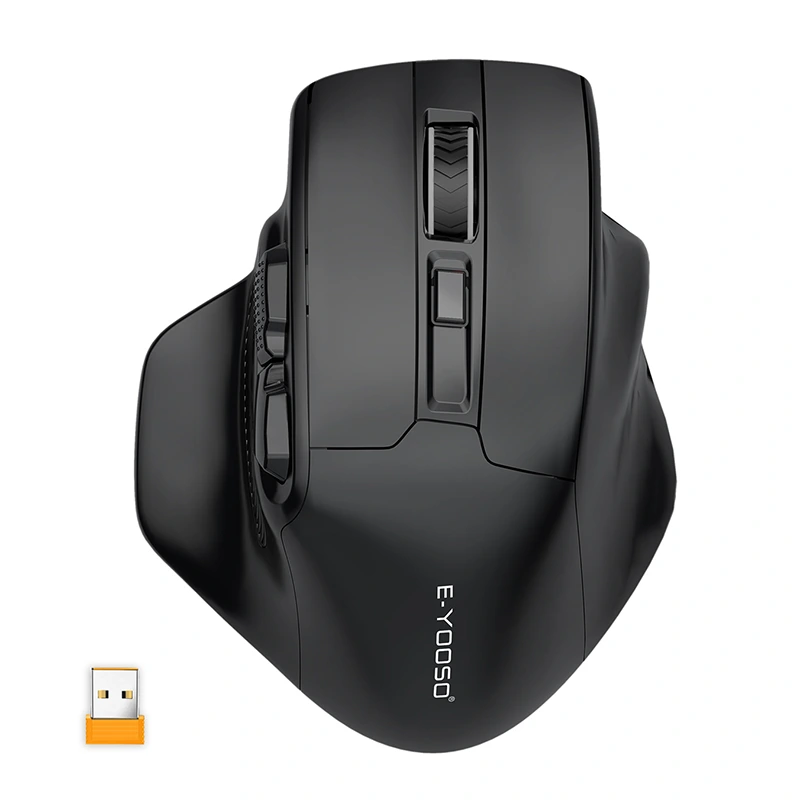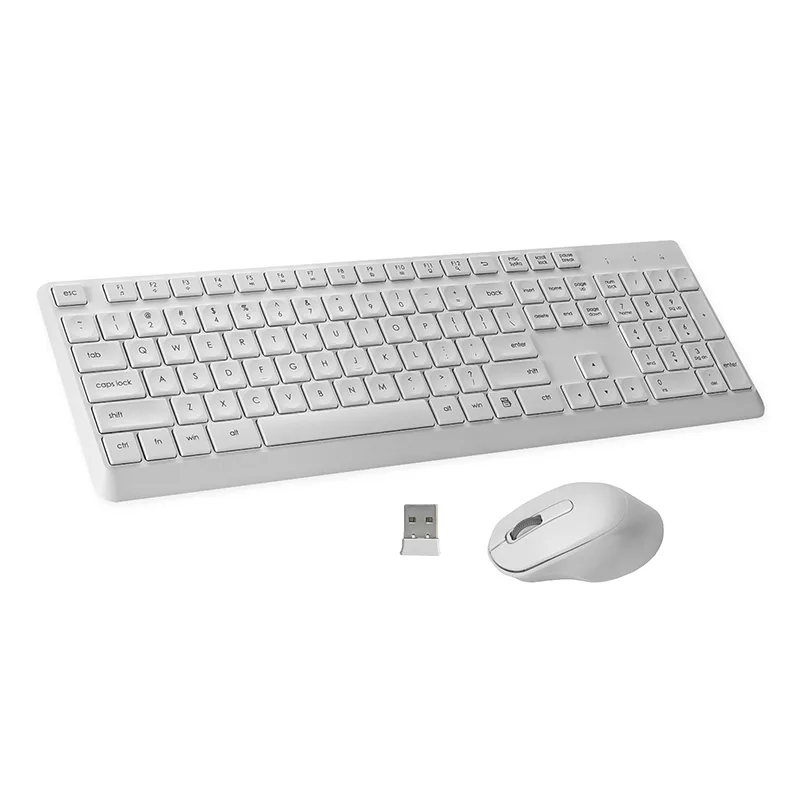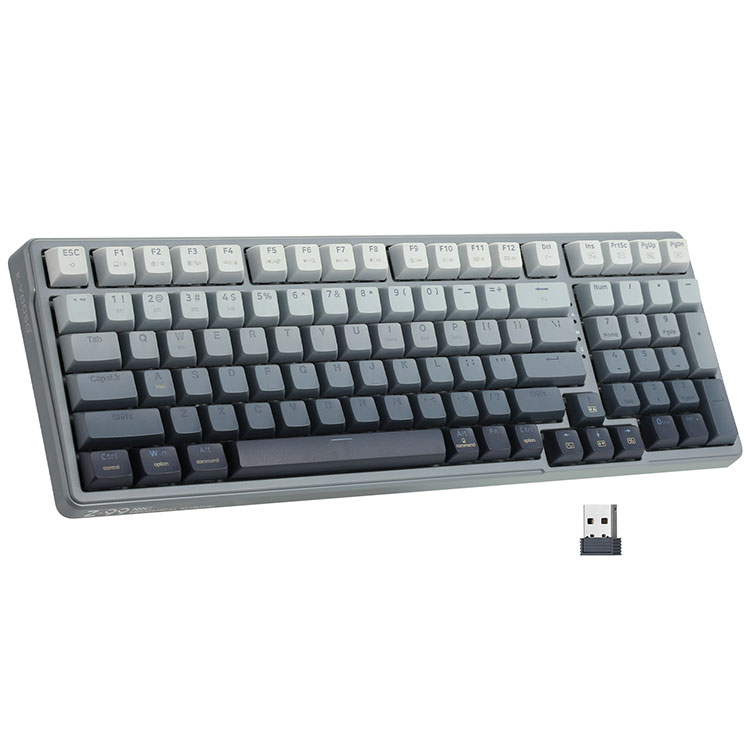
Keyboard and Mouse Combo: A Complete Input Solution for Productivity, Comfort, and Performance
In modern workspaces and home computing environments, efficiency and convenience are essential. A Keyboard and Mouse Combo provides a complete input solution designed to improve productivity, comfort, and workflow efficiency. Instead of purchasing separate devices, users can benefit from a synchronized set that works seamlessly together, offering consistent performance and design.
A well-designed Keyboard and Mouse Combo is widely used in offices, remote work setups, gaming environments, and educational settings. By combining a responsive keyboard with a precision mouse, users gain better control, smoother navigation, and improved typing comfort. This integrated approach ensures that both devices share compatible technology, connectivity options, and ergonomic design.
This comprehensive guide explores the features, technical specifications, advantages, and frequently asked questions about keyboard and mouse combos, helping users understand why they are one of the most practical solutions for everyday computing.
What Is a Keyboard and Mouse Combo?
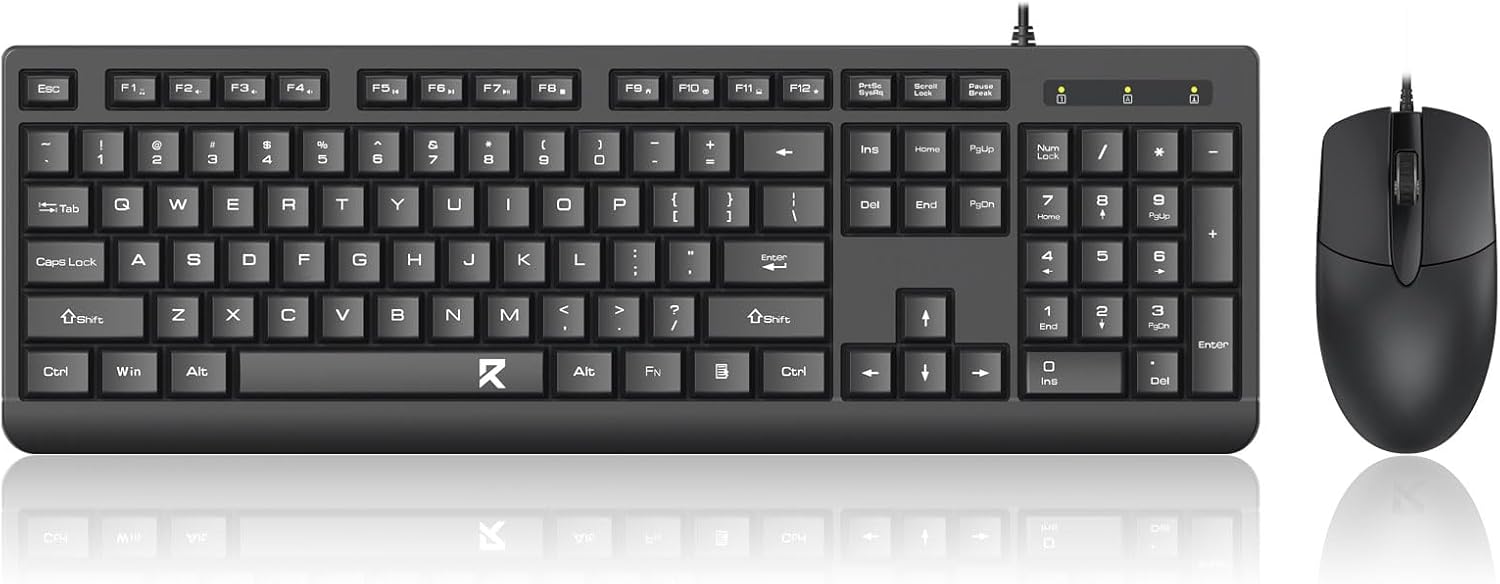
A Keyboard and Mouse Combo is a bundled set that includes a keyboard and a mouse designed to work together as a unified input system. These combos are optimized to deliver reliable connectivity, synchronized performance, and ergonomic comfort.
Unlike purchasing separate devices, a combo package ensures compatibility between the keyboard and mouse, often sharing the same wireless receiver or connectivity technology. This simplifies setup and reduces the number of USB ports required.
Typical benefits of a keyboard and mouse combo include:
Seamless connectivity between devices
Consistent design and build quality
Reduced desk clutter
Easy installation and setup
Cost-effective input solution
Because of these advantages, keyboard and mouse combos have become a popular choice for offices, home workstations, and modern computing environments.
Reliable Connectivity Options
Connectivity is a key feature of any Keyboard and Mouse Combo. Modern combos typically support either wired connections or advanced wireless technologies.
Wireless keyboard and mouse sets often use 2.4GHz wireless technology with a single USB receiver that connects both devices simultaneously. This plug-and-play solution eliminates complicated pairing procedures and ensures stable signal transmission.
Some premium combos also support Bluetooth connectivity, allowing users to connect to multiple devices such as laptops, tablets, and smart TVs.
Key connectivity features include:
2.4GHz wireless connection
Single USB nano receiver
Bluetooth multi-device support
Stable signal range up to 10 meters
Quick plug-and-play setup
These technologies provide smooth and reliable performance for everyday tasks.
Comfortable and Ergonomic Design
Comfort plays a major role in productivity, especially for users who spend long hours working on a computer. A well-designed Keyboard and Mouse Combo prioritizes ergonomic structure to reduce strain and improve usability.
The keyboard typically features a low-profile design with responsive keys that provide smooth typing and reduced finger fatigue. Meanwhile, the mouse is shaped to fit naturally in the hand, offering precise control and comfortable grip.
Ergonomic highlights include:
Curved keyboard key layout for natural finger movement
Quiet typing keys for a comfortable working environment
Lightweight and balanced mouse design
Textured side grips for improved control
Adjustable keyboard tilt for better wrist positioning
These features contribute to a comfortable typing and navigation experience throughout the day.
Detailed Product Specifications
A professional Keyboard and Mouse Combo includes a range of specifications designed to support both productivity and long-term reliability.
Keyboard Type: Full-Size or Compact Wireless Keyboard
Mouse Type: Optical Precision Mouse
Connectivity: 2.4GHz Wireless or Bluetooth
Wireless Range: Up to 10 meters stable connection
Receiver Type: USB Nano Receiver
Keyboard Key Life: Up to 10 Million Keystrokes
Mouse Click Durability: Up to 5 Million Clicks
Mouse DPI Levels: Adjustable 800 / 1200 / 1600 DPI
Keyboard Layout: Full QWERTY with Numeric Keypad
Special Keys: Multimedia Shortcut Keys
Keyboard Power Source: AAA Batteries or Rechargeable Battery
Mouse Power Source: AA Battery or Rechargeable Battery
Operating System Compatibility: Windows, macOS, Linux
Device Compatibility: Desktop Computers, Laptops, Smart TVs
Keyboard Dimensions: Optimized full-size ergonomic layout
Mouse Weight: Lightweight portable design
Energy Efficiency: Automatic sleep mode to extend battery life
These specifications ensure reliable operation for office work, online communication, browsing, and everyday computing tasks.
Productivity-Focused Keyboard Features
A high-quality Keyboard and Mouse Combo often includes several features designed to enhance productivity.
One important feature is the inclusion of multimedia shortcut keys, allowing users to control volume, playback, email, and browser functions quickly without navigating through menus.
Many keyboards also feature quiet scissor-switch or membrane keys, which produce minimal typing noise. This makes them ideal for shared workspaces and office environments.
Additional productivity features may include:
One-touch access to frequently used applications
Quick control of system functions
Comfortable key spacing for accurate typing
Responsive keystrokes with minimal delay
These design elements make the keyboard suitable for both professional work and everyday computing.
Precision Mouse Performance
The mouse included in a Keyboard and Mouse Combo is designed to provide accurate tracking and responsive control. Most combos feature an optical sensor capable of delivering smooth cursor movement across various surfaces.
Adjustable DPI sensitivity allows users to switch between different levels of precision depending on their needs. For example, lower DPI settings are useful for detailed tasks such as graphic editing, while higher DPI levels enable faster cursor movement across large screens.
Mouse features typically include:
Adjustable DPI sensitivity settings
Smooth scroll wheel navigation
Responsive click buttons
Balanced weight for comfortable handling
These features ensure that the mouse performs reliably for browsing, document editing, and general productivity.
Space-Saving and Clean Desk Setup
One of the key advantages of a Keyboard and Mouse Combo is its ability to create a clean and organized workspace. Because wireless combos use a single USB receiver, they eliminate the need for multiple cables and ports.
This simplified setup reduces desk clutter and allows users to maintain a minimalist workstation. It also improves portability, making it easier to use the combo with laptops, tablets, and mobile workstations.
For professionals working in compact office spaces or home offices, this streamlined design provides both convenience and efficiency.
Energy Efficiency and Long Battery Life
Modern keyboard and mouse combos are designed with energy efficiency in mind. Advanced power-saving technology ensures that both devices consume minimal energy during use.
Many combos feature automatic sleep mode, which activates when the devices are not in use. This significantly extends battery life and reduces the need for frequent battery replacement.
Typical battery performance includes:
Keyboard battery life up to 12 months
Mouse battery life up to 6 months
Low battery indicator for convenient monitoring
These energy-efficient features make the combo reliable for long-term daily use.
Compatibility with Multiple Devices
A versatile Keyboard and Mouse Combo supports a wide range of devices and operating systems. Most combos are compatible with major platforms such as Windows, macOS, and Linux.
They are also suitable for use with various hardware including:
Desktop computers
Laptops and ultrabooks
Smart TVs
Media centers
Office workstations
This wide compatibility ensures that the combo can be used in both professional and home environments without compatibility concerns.
Maintenance Tips for Long-Term Use
Proper maintenance helps extend the lifespan of a Keyboard and Mouse Combo and ensures consistent performance.
Helpful care practices include:
Cleaning the keyboard regularly to remove dust and debris between keys.
Wiping the mouse sensor and surface to maintain smooth tracking.
Replacing batteries when necessary to prevent power interruptions.
Keeping the USB receiver stored safely when not in use.
These simple maintenance steps help maintain reliable performance over time.
Keyboard and Mouse Combo FAQ
What are the benefits of using a Keyboard and Mouse Combo?
A Keyboard and Mouse Combo offers convenience, compatibility, and cost efficiency. Because the keyboard and mouse are designed as a unified set, they typically share the same wireless receiver and connectivity technology. This simplifies setup and reduces cable clutter. Additionally, combo sets often feature consistent design, ergonomic comfort, and reliable performance, making them ideal for office environments and home workstations.
Is a Keyboard and Mouse Combo good for office work?
Yes, a Keyboard and Mouse Combo is an excellent choice for office productivity. The keyboard provides comfortable typing with responsive keys, while the mouse delivers precise cursor control for navigation and document editing. Many combos also include multimedia shortcut keys that improve workflow efficiency. These features make them suitable for tasks such as writing, data entry, email communication, and general office work.
How long does a wireless Keyboard and Mouse Combo battery last?
Battery life varies depending on the model and usage patterns, but many wireless Keyboard and Mouse Combo sets are designed for long-lasting performance. A keyboard can typically operate for up to twelve months on a single set of batteries, while the mouse may last six months or longer. Energy-saving technologies such as automatic sleep mode help extend battery life significantly.
Are Keyboard and Mouse Combo devices easy to install?
A Keyboard and Mouse Combo is designed for quick and simple installation. Most wireless combos use a small USB nano receiver that connects to the computer. Once plugged in, both the keyboard and mouse automatically connect without the need for complicated setup procedures. This plug-and-play functionality makes them easy to install even for users with minimal technical experience.
Can a Keyboard and Mouse Combo be used with laptops?
Yes, a Keyboard and Mouse Combo works perfectly with laptops and portable computers. Wireless combos are especially useful for laptop users because they provide a full-size keyboard and external mouse for improved comfort and productivity. This is particularly helpful when working at a desk for extended periods.
Conclusion
A reliable Keyboard and Mouse Combo is one of the most practical and efficient solutions for modern computing environments. By combining a responsive keyboard with a precise optical mouse, users benefit from improved productivity, enhanced comfort, and simplified connectivity.
With features such as wireless technology, ergonomic design, long battery life, and wide device compatibility, keyboard and mouse combos are suitable for offices, home workstations, and everyday computing tasks. Investing in a high-quality combo ensures smooth performance, reduced desk clutter, and a more comfortable digital experience for years to come.