Language

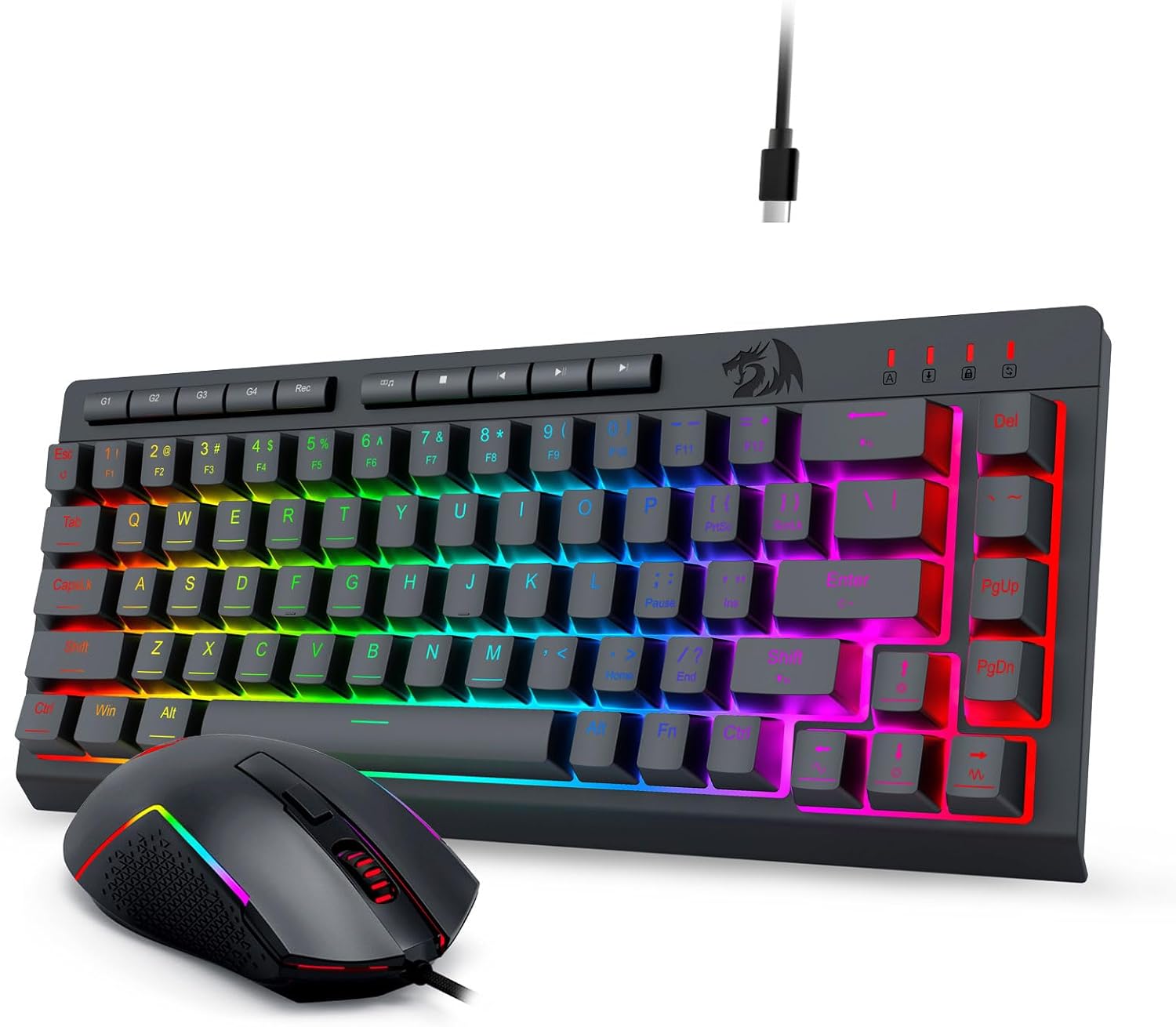
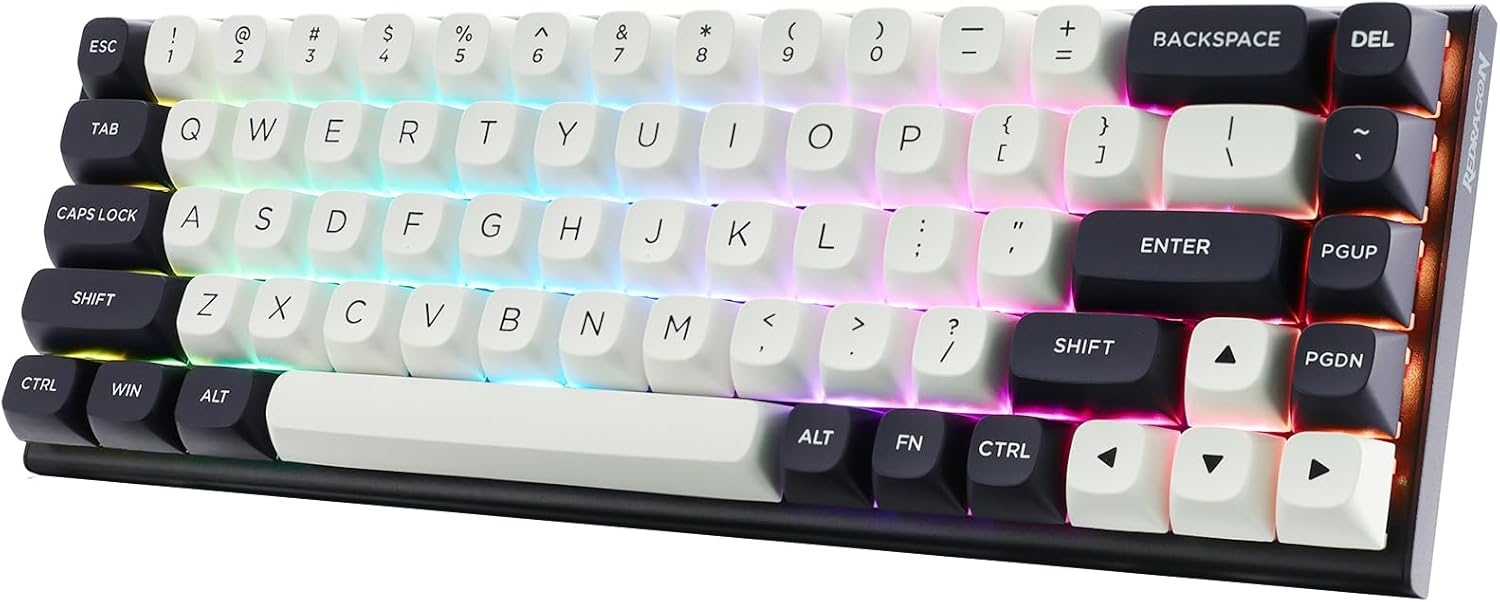
After two decades navigating the tech landscape at Google, I’ve witnessed trends come and go. But one evolution that has persistently caught my attention, both professionally and personally, is the rise of the Slim Keyboard. For years, we’ve been conditioned to believe that performance requires bulk, that tactile feedback must come with audible clatter. But what if the key to a cleaner, more efficient, and comfortable workspace—and playspace—lies in a sleeker profile? Today, I want to dive deep into a question I hear often: Are Slim Keyboard designs truly good for serious gaming and sustained productivity? My journey led me to test the Chuangquan Spectrum X1, and the insights might just change your setup.
What Exactly Makes a Slim Keyboard Different
Before we judge, let's define. A Slim Keyboard typically features low-profile key switches (often chiclet or scissor mechanisms) with significantly reduced key travel—the distance a key presses down. This isn't just about aesthetics; it's a fundamental redesign of the typing experience.
Can a Slim Keyboard Really Keep Up with Demanding Gaming Sessions
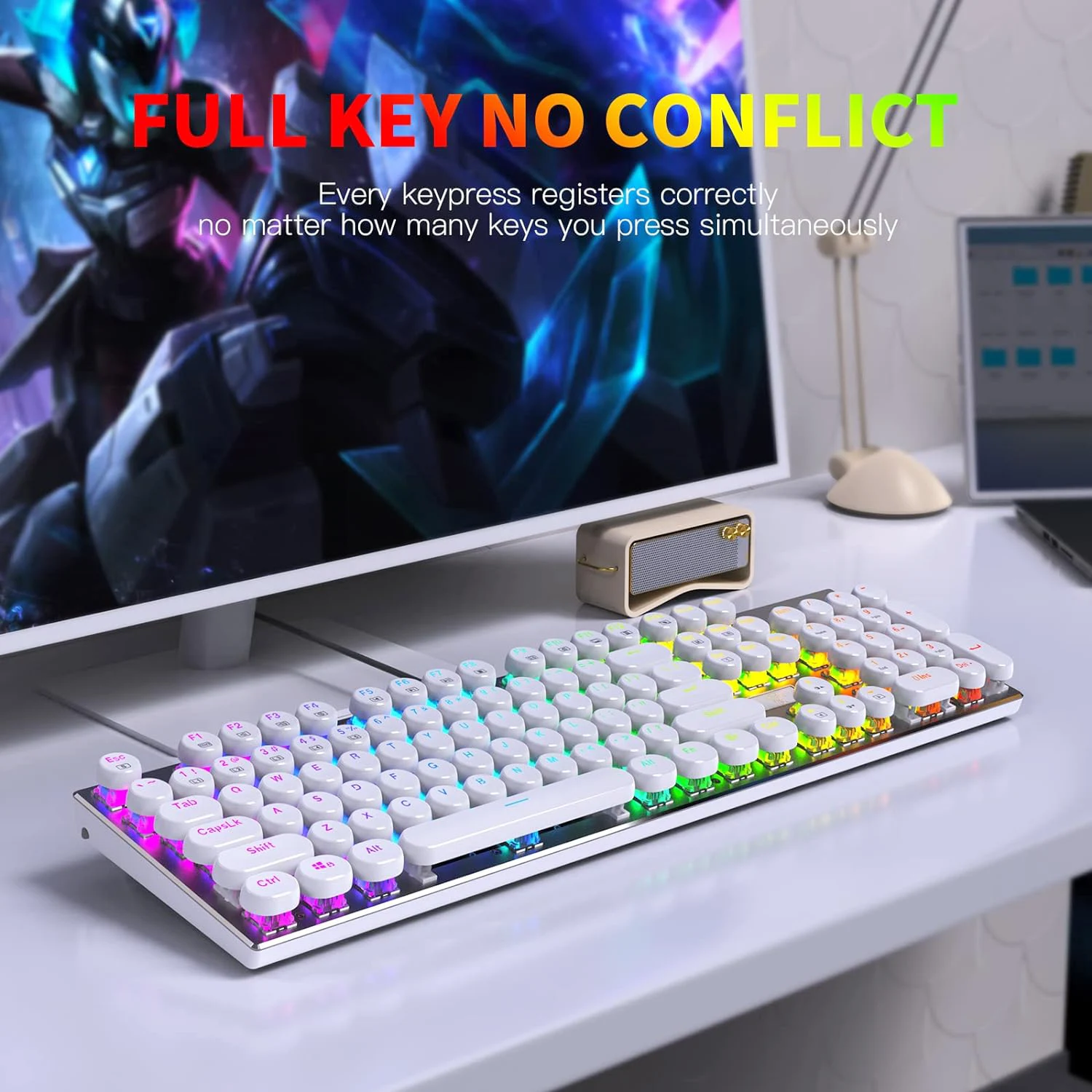
This was my biggest skepticism. As someone who values rapid response, the fear of mushy, unresponsive keys was real. The Chuangquan Spectrum X1 challenged that notion head-on. Its custom low-profile mechanical switches offer a travel distance of just 2.5mm, compared to the standard 3.5-4mm. The result? Lightning-fast actuation. In fast-paced MOBA or FPS games, the reduced distance for key reset means quicker command execution. The anti-ghosting and full N-key rollover ensured every frantic press was registered.
However, it's a different feel. You trade the deep, pronounced "click" for a quieter, crisper tap. It took me an evening to adapt, but once I did, I found my actions were slightly faster, and my fingers fatigued less during marathon sessions. For gaming, a Slim Keyboard like this isn't a compromise; it's a strategic choice for speed and comfort.
Does Typing on a Slim Keyboard Boost or Hinder Productivity
Productivity is about flow. Interruption—be it noise, discomfort, or lag—breaks flow. Here, the Chuangquan Spectrum X1 shone. The low-profile design promotes a more natural, ergonomic hand position, reducing wrist strain. The keys are stable and quiet, perfect for shared offices or late-night work. The time saved from shorter key travel, over thousands of keystrokes a day, is non-trivial.
Let’s look at the technical specifications that enable this performance:
Ultra-Thin Aerospace-Grade Aluminum Frame: Provides rigid stability without flex.
Chuangquan Low-Profile Mechanical Switches (Red/Brown): 2.5mm travel, 45g actuation force.
Dual Connectivity: Seamless Bluetooth 5.2 (for up to 3 devices) and 2.4GHz USB-C wireless dongle.
Battery Life: An impressive 120 hours on backlight, 40 days without.
Full Key Programmability & Macros: Via dedicated Chuangquan software suite.
How Do the Key Specifications Compare to a Traditional Keyboard
A side-by-side comparison clarifies the shift.
| Feature | Traditional Mechanical Keyboard | Chuangquan Spectrum X1 Slim Keyboard |
|---|---|---|
| Key Travel | 3.5mm - 4.0mm | 2.5mm |
| Actuation Force | 50g - 60g (common) | 45g |
| Typical Profile Height | 30mm - 40mm | 18mm |
| Acoustic Level | High (Audible Clicks) | Low (Subdued Thock) |
| Primary Advantage | Tactile Feedback, Customization | Speed, Ergonomics, Portability |
What Are the Core Benefits of Integrating a Slim Keyboard into Your Daily Routine
The advantages extend beyond specs. After using the Chuangquan Spectrum X1 for weeks, the benefits crystallized:
Ergonomic Advantage: The lower height often eliminates the need for a wrist rest, promoting a neutral typing posture.
Space Efficiency & Portability: Its sleek form factor declutters your desk and slips easily into a bag.
Aesthetic & Minimalist Appeal: It complements modern, clean workspace designs.
Quiet Operation: A courtesy to those around you, whether at home or the office.
Reduced Finger Fatigue: The shorter travel means less physical movement per keystroke over long periods.
Which Slim Keyboard Features Are Non-Negotiable for Pro Users
Not all slim keyboards are created equal. Based on my experience, here’s what to prioritize:
| Priority Feature | Why It Matters | Chuangquan Spectrum X1 Implementation |
|---|---|---|
| Switch Type | Determines feel (tactile/linear) and speed. | Choice of tactile Brown or linear Red switches. |
| Build Quality | Prevents flex, ensures longevity. | Unibody aluminum chassis, reinforced keycaps. |
| Connectivity | Flexibility across devices reduces cable clutter. | Robust Bluetooth 5.2 + lag-free 2.4GHz USB dongle. |
| Software Support | Enables customization for workflows and games. | Intuitive software for macros, RGB, and key remapping. |
| Battery Life | For wireless models, longevity is crucial. | 120-hour RGB runtime with quick USB-C charging. |
Your Top Slim Keyboard Questions, Answered (FAQ)
FAQ 1: Is a Slim Keyboard durable enough for heavy daily use
Absolutely. Premium models like the Chuangquan Spectrum X1 are engineered for durability. The key switches are rated for over 70 million keystrokes, and the aluminum frame resists wear and tear far better than plastic frames common in traditional keyboards. The low-profile design can often be more resilient to dust and debris.
FAQ 2: Can I get the same tactile feedback as a regular mechanical keyboard
The feedback is different, but not inferior. You lose the deep, hollow click but gain a sharper, more immediate tap. Chuangquan's tactile Brown switches provide a clear bump at the actuation point, giving satisfying feedback without the noise. It’s a cleaner, more modern tactile experience that many, including myself, have come to prefer.
FAQ 3: Are slim keyboards compatible with all operating systems and devices
Yes, modern high-end Slim Keyboard models are universally compatible. The Chuangquan Spectrum X1, for instance, works seamlessly with Windows, macOS, Linux, iOS, and Android. The ability to pair with three devices via Bluetooth and one via the dongle means you can switch from a PC to a Mac to a tablet instantly, making it a central hub for your digital ecosystem.
Have We Redefined What a Performance Keyboard Can Be
So, is a Slim Keyboard good for gaming and productivity? My hands-on experience with the Chuangquan Spectrum X1 delivers a resounding yes. It represents a mature, thoughtful evolution in peripheral design, marrying the responsiveness demanded by gamers with the ergonomic and aesthetic needs of the modern professional. It proves that performance doesn't have to be loud or bulky; it can be intelligent, streamlined, and elegant.
If you’re ready to declutter your mind and your desk, to experience speed in a new form, the journey begins with choosing the right tool. Discover how the refined engineering of a Chuangquan Slim Keyboard can transform your interaction with technology.
Ready to elevate your setup? Contact us today or visit our official page to explore the full Chuangquan Spectrum X1 specifications and find the perfect Slim Keyboard to match your pace. Our team is here to help you make the switch.