Language

The modern workspace demands speed, flexibility, and minimal clutter. A 2.4G Wireless Keyboard and Mouse Combo has become one of the most practical solutions for office workers, students, gamers, and remote professionals. This article explores how this technology works, why it solves common user frustrations such as cable clutter, lag issues, and connectivity instability, and how it improves productivity across different environments. You will also learn how to choose the right set, compare it with alternative technologies, troubleshoot common issues, and maintain long-term performance. By the end, you will have a complete understanding of whether this wireless solution fits your needs.

In today’s digital lifestyle, users expect seamless interaction between humans and machines. However, traditional wired keyboards and mice often create limitations such as restricted movement, messy desks, and limited portability. As remote work and flexible office environments expand, the need for efficient wireless solutions has increased significantly.
The 2.4G Wireless Keyboard and Mouse Combo has emerged as a reliable alternative that balances performance, convenience, and affordability. It eliminates cable restrictions while maintaining stable connectivity, making it suitable for both professional and personal use.
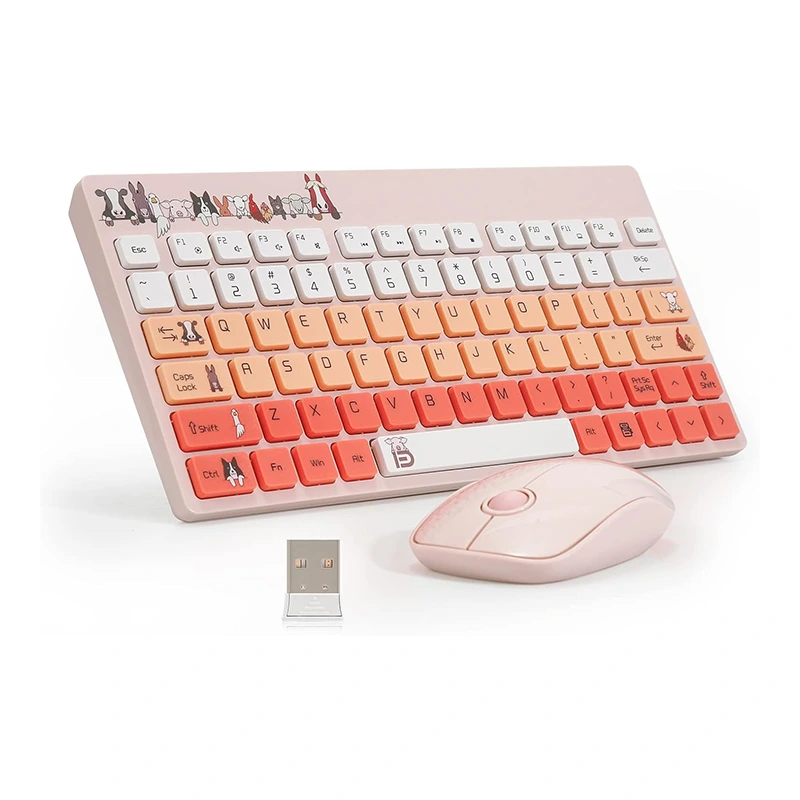
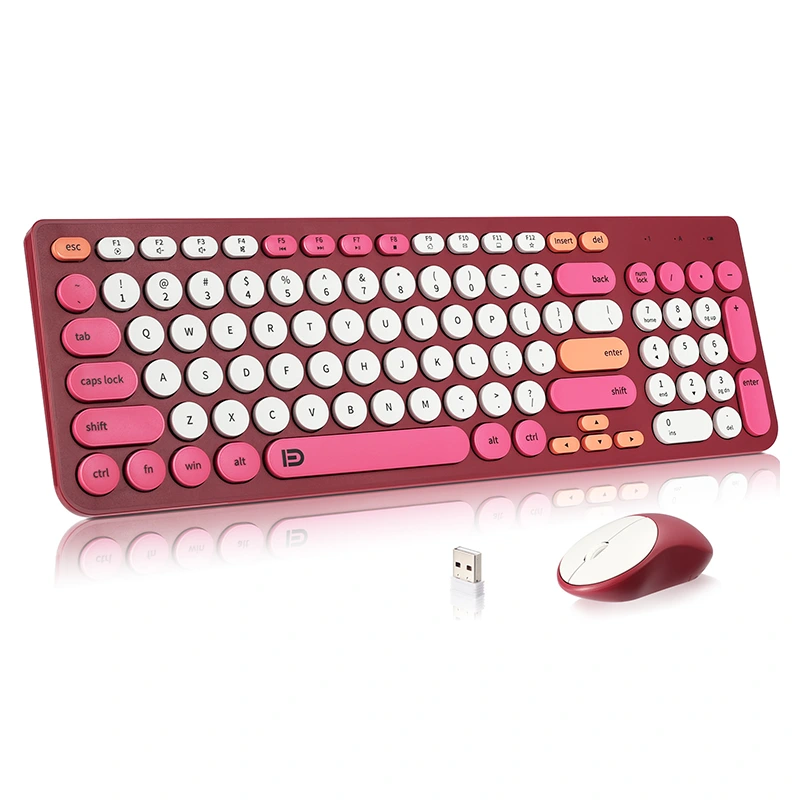
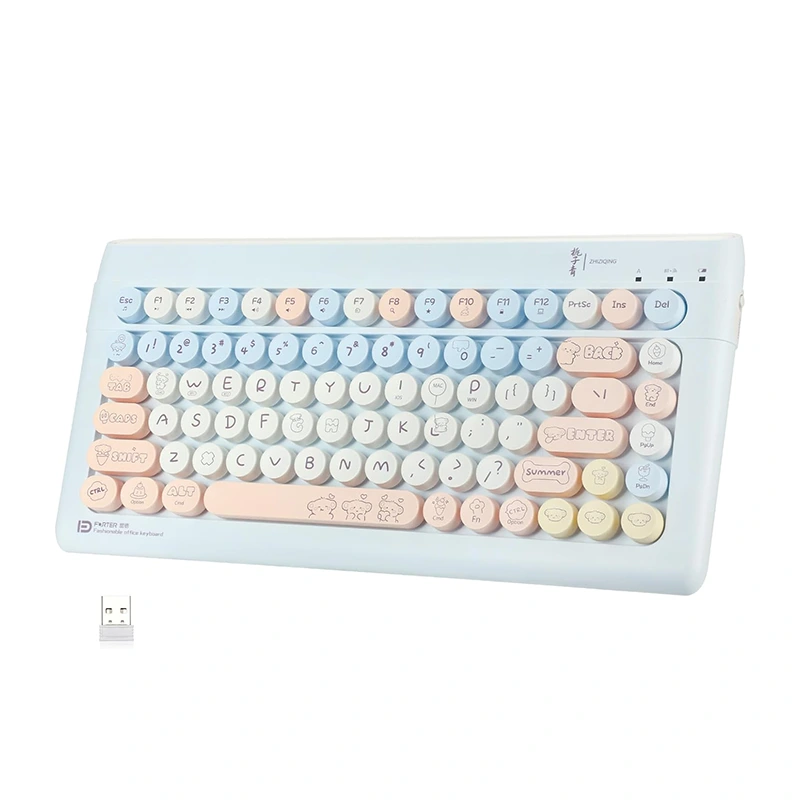
A 2.4G wireless combo refers to a keyboard and mouse set that communicates with a computer using a 2.4GHz radio frequency connection. This system typically uses a USB nano receiver that plugs into the computer, allowing both devices to connect simultaneously without individual pairing processes.
Unlike Bluetooth devices, 2.4G wireless systems are often more stable in environments with multiple connected devices.
The system operates using a dedicated frequency band of 2.4GHz, which is commonly used for short-range communication. The keyboard and mouse send encrypted signals to a USB receiver plugged into the device.
This process ensures low latency and high responsiveness, which is essential for tasks such as gaming, office work, and design applications.
The popularity of this technology comes from its ability to solve everyday computing challenges.
Many users switch to wireless combos due to frustrations with traditional input devices. Below are common issues and how 2.4G technology addresses them.
| Common Problem | Solution Offered by 2.4G Combo |
|---|---|
| Desk cable clutter | Wireless connection removes all physical cables |
| Limited mobility | Allows flexible positioning within 10 meters |
| Input delay | Stable 2.4GHz transmission reduces lag |
| Device switching difficulty | Single USB receiver simplifies connectivity |
This wireless combo is suitable for a wide range of environments:
| Feature | Wired | Bluetooth | 2.4G Wireless |
|---|---|---|---|
| Latency | Very Low | Medium | Low |
| Stability | High | Medium | High |
| Mobility | Limited | High | High |
| Setup Complexity | Simple | Moderate | Very Simple |
Before purchasing a wireless keyboard and mouse combo, consider the following factors:
Shenzhen Chuangquan Electronics Co., Ltd. is committed to delivering high-quality wireless input devices designed for durability, performance, and user comfort. With advanced manufacturing processes and strict quality control systems, the company ensures that every 2.4G wireless keyboard and mouse combo meets international standards.
Their product line focuses on ergonomic design, stable connectivity, and energy efficiency, making them a trusted supplier for global markets.
Q1: Is 2.4G wireless better than Bluetooth?
It often provides more stable and lower-latency performance due to dedicated USB receiver usage.
Q2: Does it require software installation?
No, most 2.4G combos are plug-and-play.
Q3: What is the working distance?
Typically up to 10 meters depending on environment conditions.
Q4: Can I use it with a smart TV?
Yes, if the TV supports USB input devices.
The 2.4G Wireless Keyboard and Mouse Combo is a practical solution for users seeking efficiency, portability, and a cleaner workspace. It addresses key frustrations of traditional wired devices while offering stable and responsive performance across multiple applications.
If you are looking for reliable manufacturing quality and customized solutions, Shenzhen Chuangquan Electronics Co., Ltd. is ready to support your needs with professional products and services.
Contact us today to explore partnership opportunities, bulk orders, or product customization options. Our team is ready to help you upgrade your wireless experience.